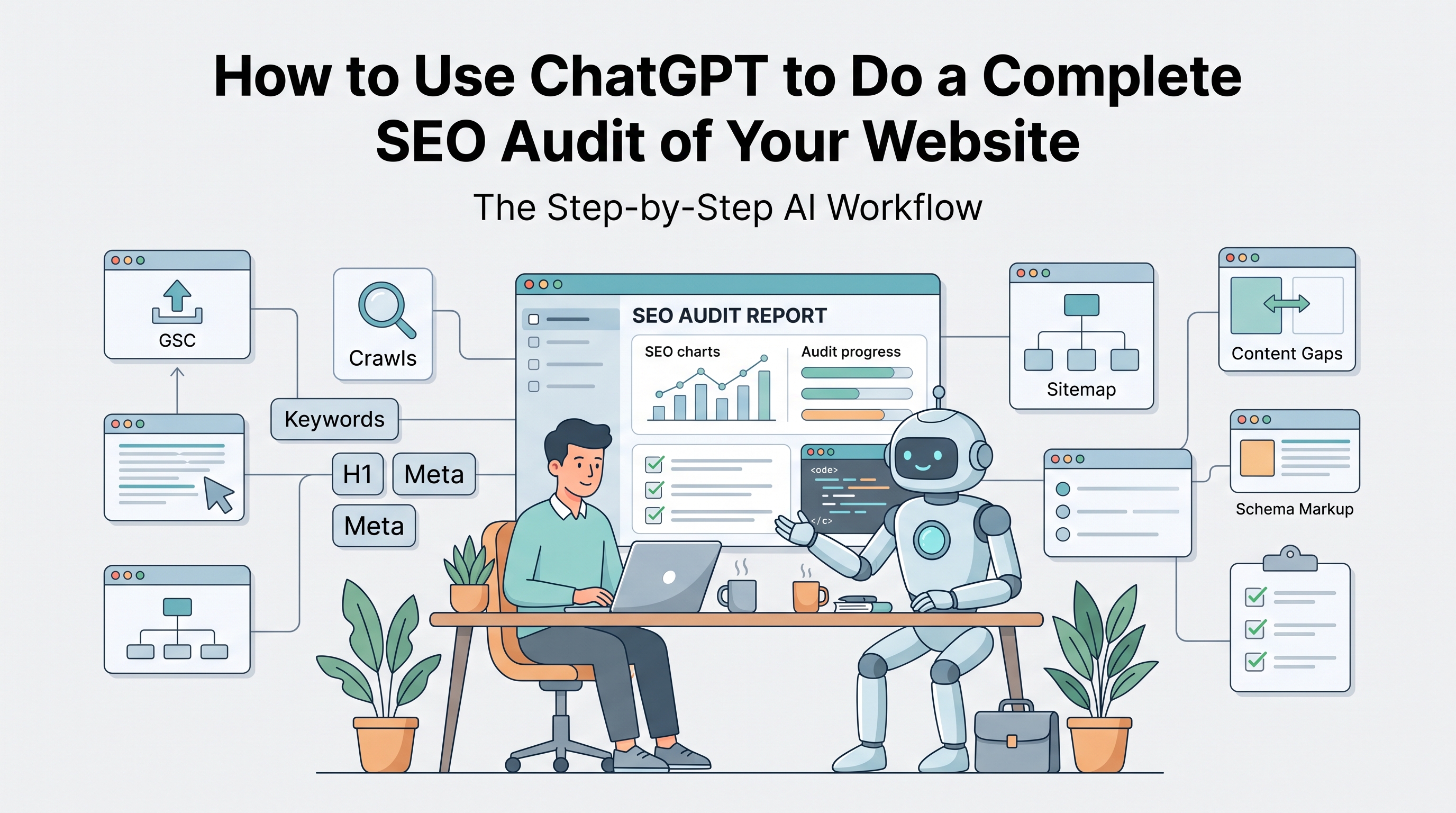
How to Use ChatGPT to Do a Complete SEO Audit of Your Website
Have you ever wondered if your website’s search visibility is holding your business back? Traditional SEO audits require expensive tools, manual tracking, and hours of expert analysis. If you cannot afford high-priced agencies or subscriptions in 2026, there is good news: you can perform a comprehensive SEO audit yourself.
The core answer: Yes, you can use ChatGPT to conduct a full SEO audit. However, ChatGPT alone cannot fetch real-time site crawls or backlink statistics. To do it correctly, you must pair its strong logic with free data exports from tools like Google Search Console.
Using ChatGPT as your dedicated SEO assistant, you can locate technical gaps, optimize your headers, analyze content, and fix errors in minutes. Here is your step-by-step DIY AI audit roadmap to boost your search rankings.
Table of Contents
Setting Up ChatGPT for an SEO Audit
Before you begin asking questions, remember that ChatGPT requires context to yield accurate answers. Simply asking, "How is my site's SEO?" will give you generic advice.
To achieve professional-grade audit results, you must take the role of a data analyst, specify your website's niche, and feed it specific data (such as sitemaps, CSV exports, or visual code snippets). Pair ChatGPT with standard SEO utilities to check technical foundations and get the data right.
Step 1: Running a Technical Check with ChatGPT
A solid technical foundation is required for search engine crawling. Here is how to analyze your technical health:
Audit Your Crawler Files: Copy and paste your current Robots.txt or XML sitemap file into ChatGPT. Use this prompt: "Act as a Technical SEO Auditor. Analyze this Robots.txt file. Are there any search crawl blocks, configuration errors, or missing sitemap linkages that could prevent Google from indexing my website?" (Tip: If you need to fix errors or generate a new file, use the
Tooliby Robots.txt Generator Identify Technical Speed and Index Gaps: Download your indexed and non-indexed page reports from Google Search Console (GSC). Upload the file or paste the GSC data patterns into ChatGPT and ask: "Identify the top 5 index errors or slow-loading page patterns by severity. Explain how to resolve them."
Step 2: On-Page Optimization Analysis
Search bots read your headings and page content to determine what your website is about. Let ChatGPT audit your current metadata:
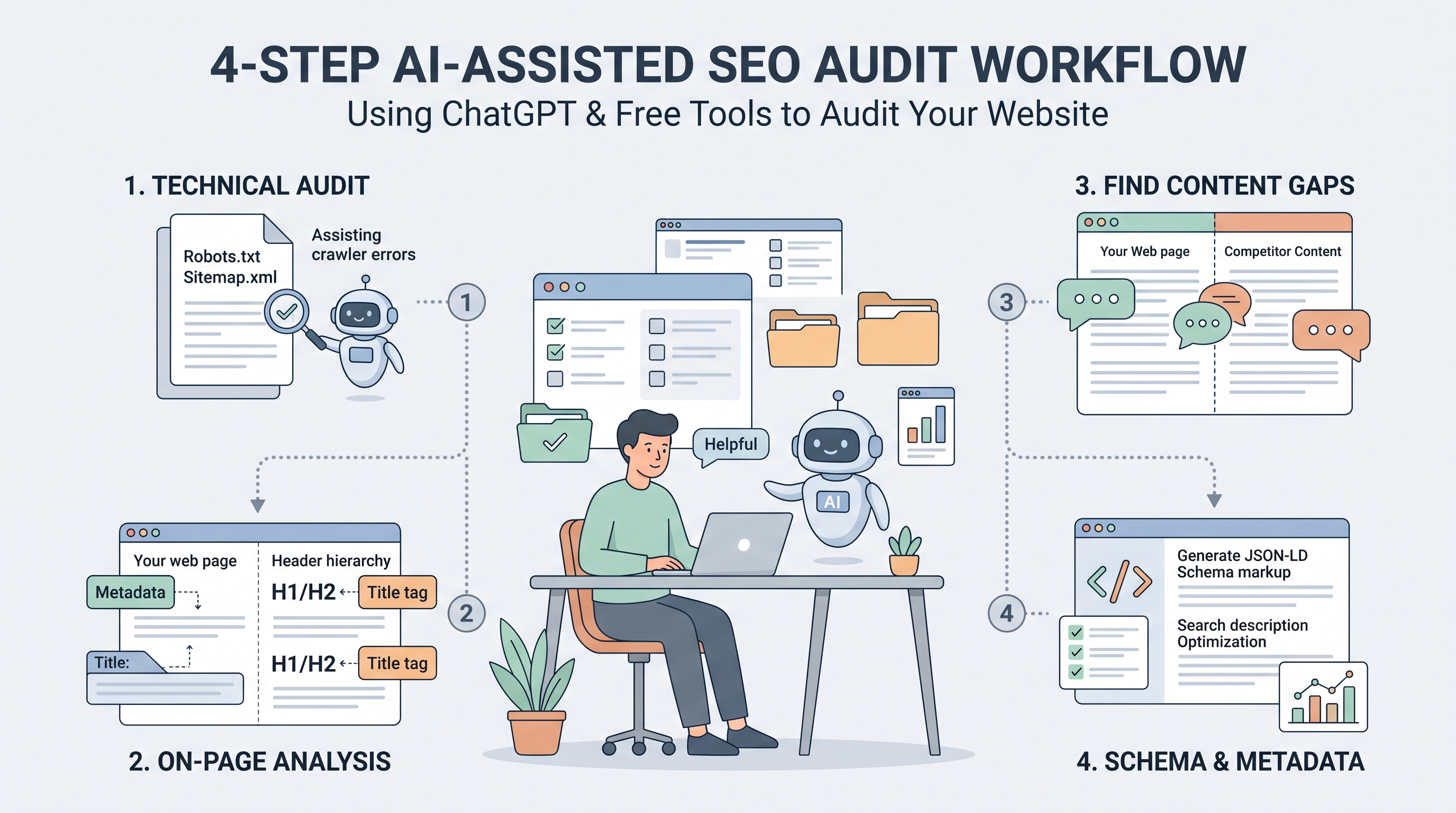
Review Headings and Tags: Copy and paste your target page's title, meta description, and H1/H2 header structure. Ask: "Analyze this metadata and page layout for our primary keyword [Your Target Keyword]. Are there issues with tag lengths, keyword stuffing, or unclear heading hierarchies?"
Optimize and Edit Content: Give your copy to ChatGPT to check for robotic phrasing, redundancy, or readability issues. Put in: "Read this draft. Spot repetitive words and highlight sections that are hard to read. Does this answer a reader’s queries directly without fluff?" (To keep your optimization clean and ensure you aren’t repeating the same words too many times, run your texts through the
Tooliby Keyword Density Checker
Step 3: Finding Content Gaps & Search Intent
Google rewards "Information Gain"—material that offers something new and unique. You can use ChatGPT to evaluate your competitors:
Analyze Your Competitors: Copy and paste the heading structure or article text of your top-ranking competitors into ChatGPT. Share your post's content and ask: "Compare my heading map and article draft with these top 3 search results. What questions, technical angles, or unique data are they covering that I missed? Provide a prioritized list of gap recommendations."
Evaluate Keyword Intent: Upload a list of keywords from a search planner or your Search Console query list. Use this prompt: "Cluster these keywords into matching thematic groups by search intent (Informational, Transactional, Navigation). Identify the most valuable queries we should target that have the lowest competitive gaps."
Step 4: Creating Actionable Metadata and Schema
Once your pages are structurally and technically sound, you can ask ChatGPT to write search-optimized, structured markup:
Draft Fast Meta Content: Use the AI to generate high-CTR (Click-Through Rate) snippets. Prompt: "Generate 3 variations of eye-catching meta descriptions for our target page, keeping each suggestion under 155 characters." (You can also review patterns or draft fresh ones manually using the free
Tooliby Meta Tag Generator Generate Schema Markup: Search results are much more prominent when they use rich schema snippets. Input this: "You are an SEO developer. Generate a valid JSON-LD schema for an article on [Topic], including author and FAQ sections. Ensure it follows modern search schema guidelines and contains no syntax errors."
Limitations: What ChatGPT Cannot Audit
While ChatGPT is an exceptionally powerful SEO audit partner, you should be mindful of what AI cannot do:
No Active Web Tracking: It cannot actively scan live sites, load page speed scripts, or run active domain backlink checks in real-time.
Hallucinations & Guesswork: ChatGPT does not have access to live keyword search volumes. It may confidently invent search stats if you ask it to make them up without outside data. Always prioritize original metrics and verification.
Human Check is Mandatory: It can suggest code, but it is your job to ensure that a file doesn't crash your server or create duplicate URL paths. Always verify files before publishing.
Frequently Asked Questions (FAQs)
1. Can I use the free ChatGPT to do an SEO audit?
Yes. You can copy and paste raw data patterns (like CSV exports, lists, and code snippets) directly into the free version of ChatGPT to identify search issues, cluster topics, and write on-page meta tags.
2. Can ChatGPT fetch search volume for my keyword list?
No. ChatGPT doesn't have live backlink databases or real-time keyword volumes. You should pull keyword numbers using free search tools or GSC and let ChatGPT cluster them or find search intent.
3. Will ChatGPT's suggested fixes hurt my SEO?
Fixes will only harm your rankings if you execute its code blindly without testing, or generate unhelpful spam content. As long as you review the outputs, verify the technical code, and prioritize human readability, using AI to assist in audits is highly effective.
Conclusion: Human Insights & AI Speed
Performing a DIY SEO audit using ChatGPT is an excellent way to pinpoint issues, cluster topics, and write structured schema without spending thousands on agency fees. Pair its strong logic with search data to audit your site's search health in under an hour.
Remember, the goal is not to execute on autopilot. Review the AI's suggestions, inject your industry expertise, and use reliable utility tools to ensure your site is flawlessly optimized.
Are you ready to audit and improve your site’s search foundation today? Check out our
What Is Tooliby Blog?
Tooliby Blog is a free publication covering developer tools, SEO, AI prompts and productivity — written by real practitioners who use these tools daily. No paywall, no account needed. Just practical content you can act on.
Can I share this article?
Yes — use the share buttons above to post on Twitter, LinkedIn, Facebook or WhatsApp. The more people read it, the better.
How do I write for Tooliby?
Click Write for Us and submit your article. We review within 48 hours and publish with full author credit and bio.